Get paid back for something you bought
Last checked October 18, 2026
The short answer
Submit the expense in GroupSmarter with a photo of the receipt, turn on the reimbursable switch, and pick who should be paid back.
Why it helps to do it this way
Your treasurer has to match every dollar the group spends to a receipt. When you submit the expense yourself, the amount and the receipt arrive together. Nobody has to chase a paper slip weeks later, and you can see where your request stands.
How to submit it
-
Sign in and open Expenses, then press Submit Expense.

-
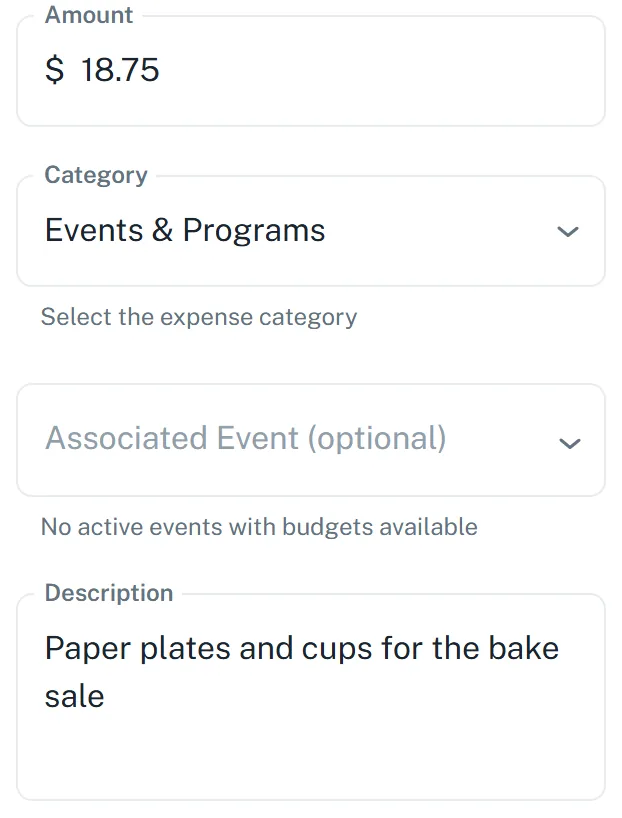
Type the amount, pick a category, and write a short note about what you bought.
-
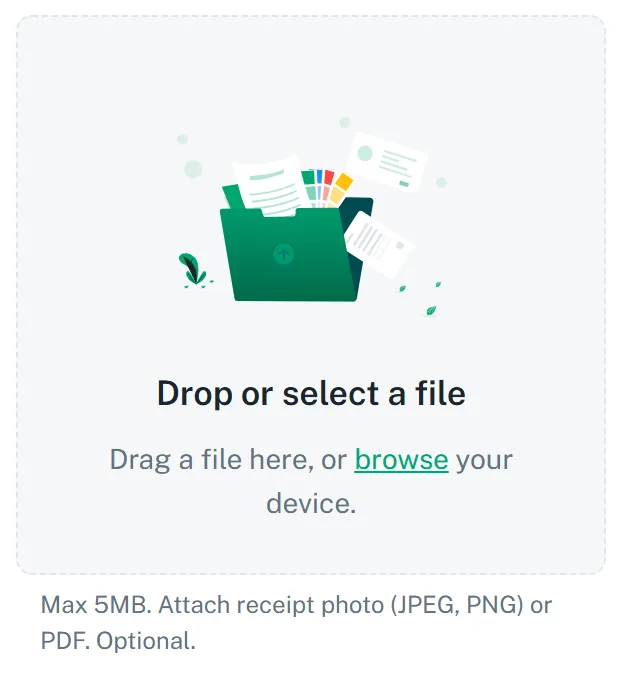
Attach a photo of the receipt. A JPEG, PNG or PDF up to 5 MB works.
-
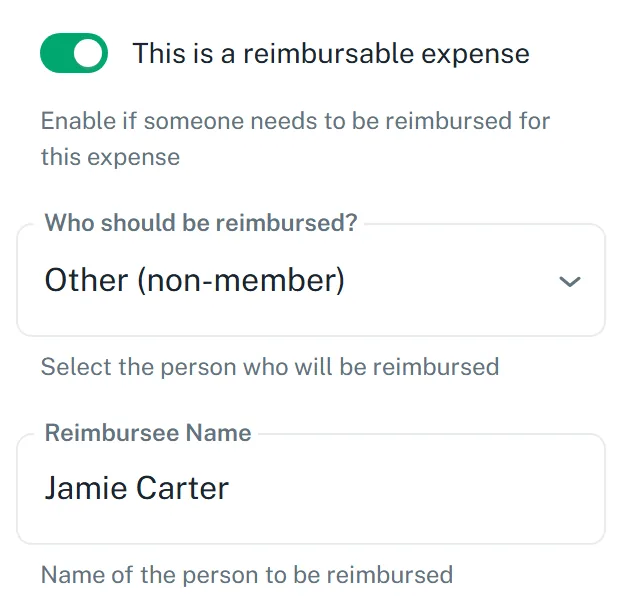
Turn on This is a reimbursable expense, then choose who should be paid back. If that person is not on the list, pick Other and type their name.
-
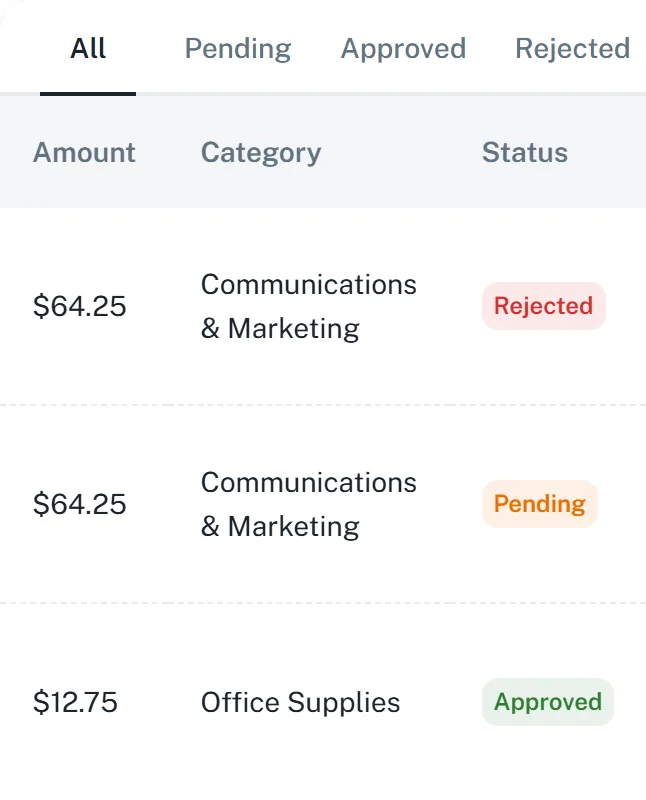
Press Submit for Approval. You can check on it any time under My Submissions, where it shows as Pending, Approved or Rejected.
Once it is approved, your treasurer pays you back by check, cash, direct deposit or a transfer. GroupSmarter does not send the money itself.